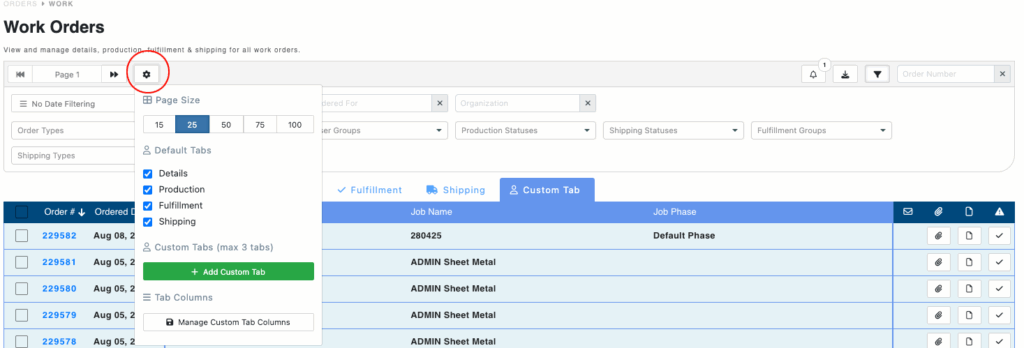

With the launch of the new Work Order page this year, users can now create their own Custom Tabs. To create your Custom Tab, simply go to the Work Order page and select the gear on the top left by the page number controls. Type in the name of your Custom Tab, select the items you want displayed, and then hit the Save button. ■